
Oncord Blog. Posted November 26th, 2026
Add an AI Chatbot to Your Website
The new Oncord AI Chatbot answers visitor questions from your own website content, passes enquiries to your team, and keeps you in control of what it says and where it appears.
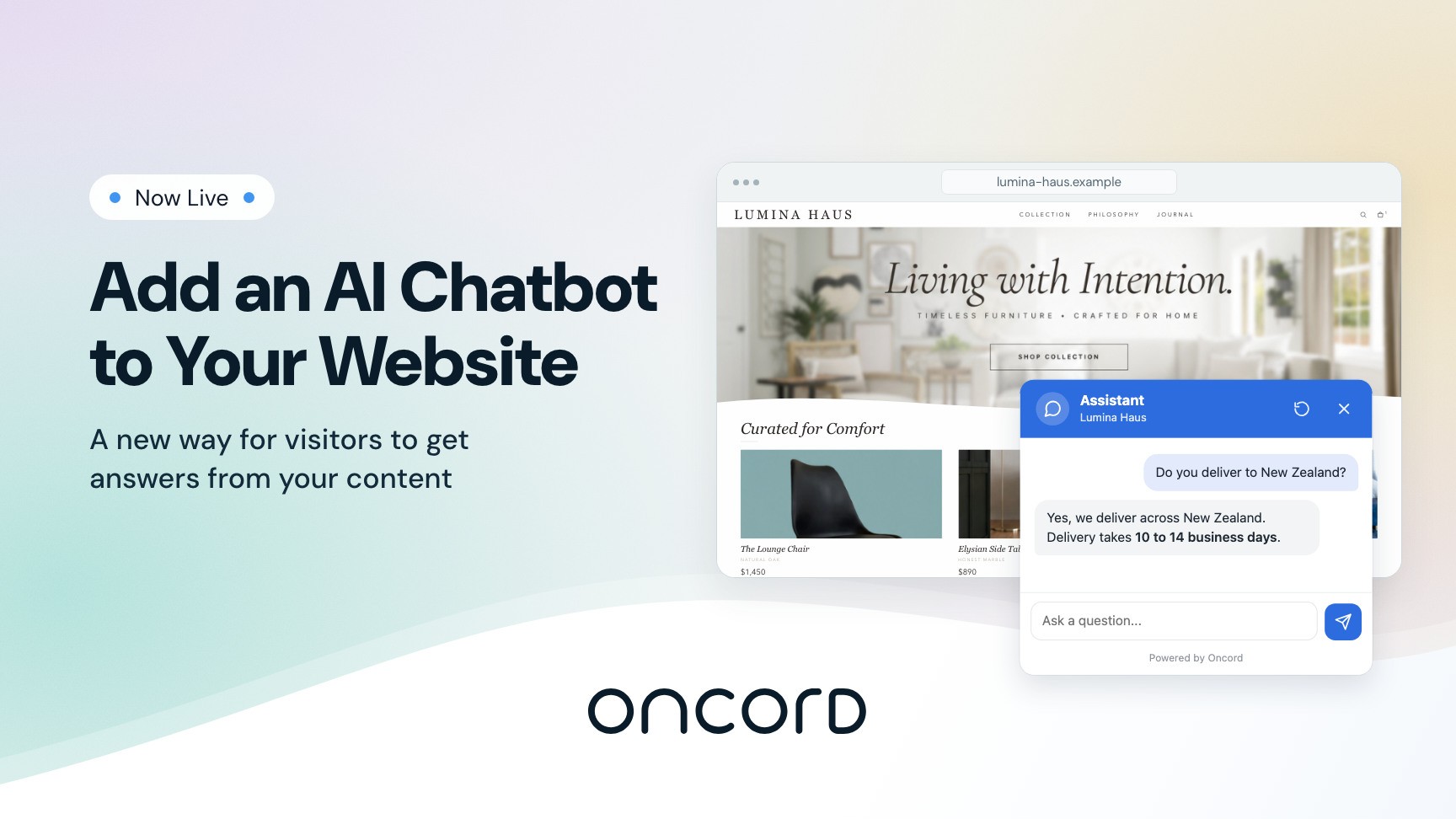
Your website can now answer your visitors' questions for you.
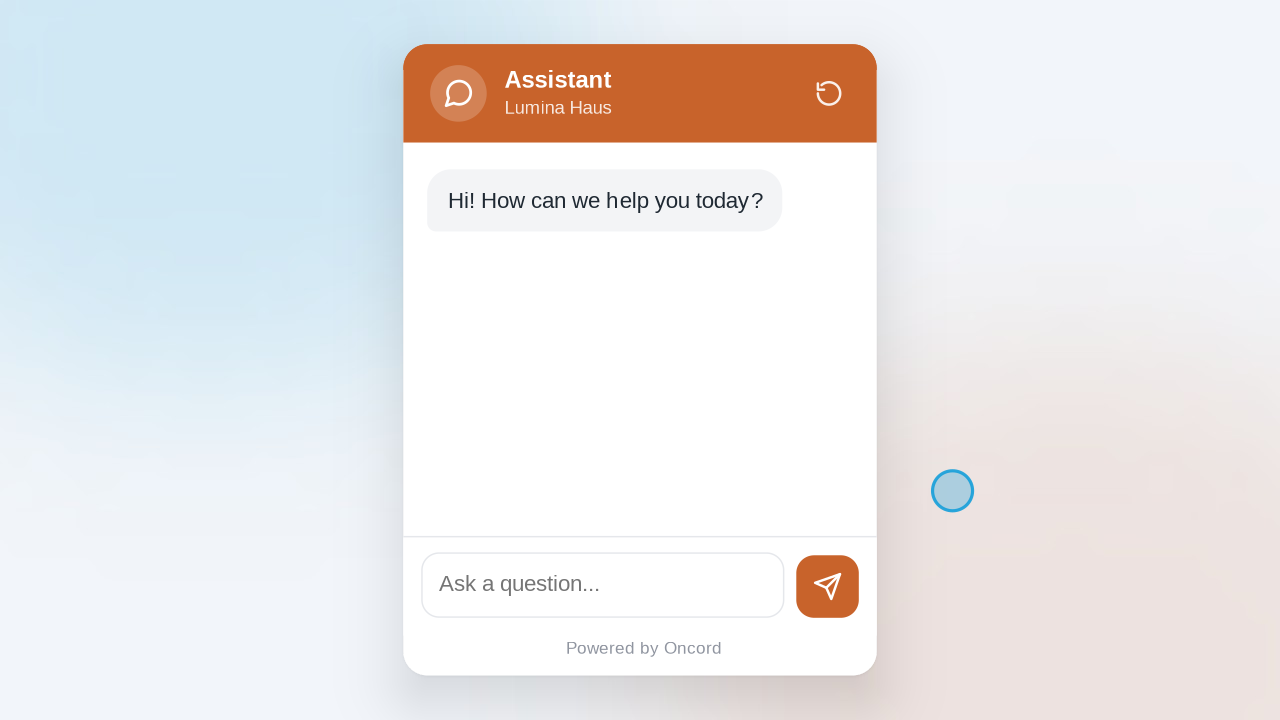
The Oncord AI Chatbot is available for Oncord users and agencies. It sits on the pages you choose, answers questions from your own content, and passes an enquiry to your team when a person is needed.
Answer Visitor Questions
Most questions your visitors have are already answered somewhere on your website. The answer exists, but the visitor has to find it. Many will not look for long. The question arrives in your inbox instead, or it does not arrive at all.
With the chatbot, a visitor can ask in their own words and get a reply in seconds:
- "What are your opening hours?"
- "Do you deliver to New Zealand?"
- "How do I become a member?"
- "Is there parking at the venue?"
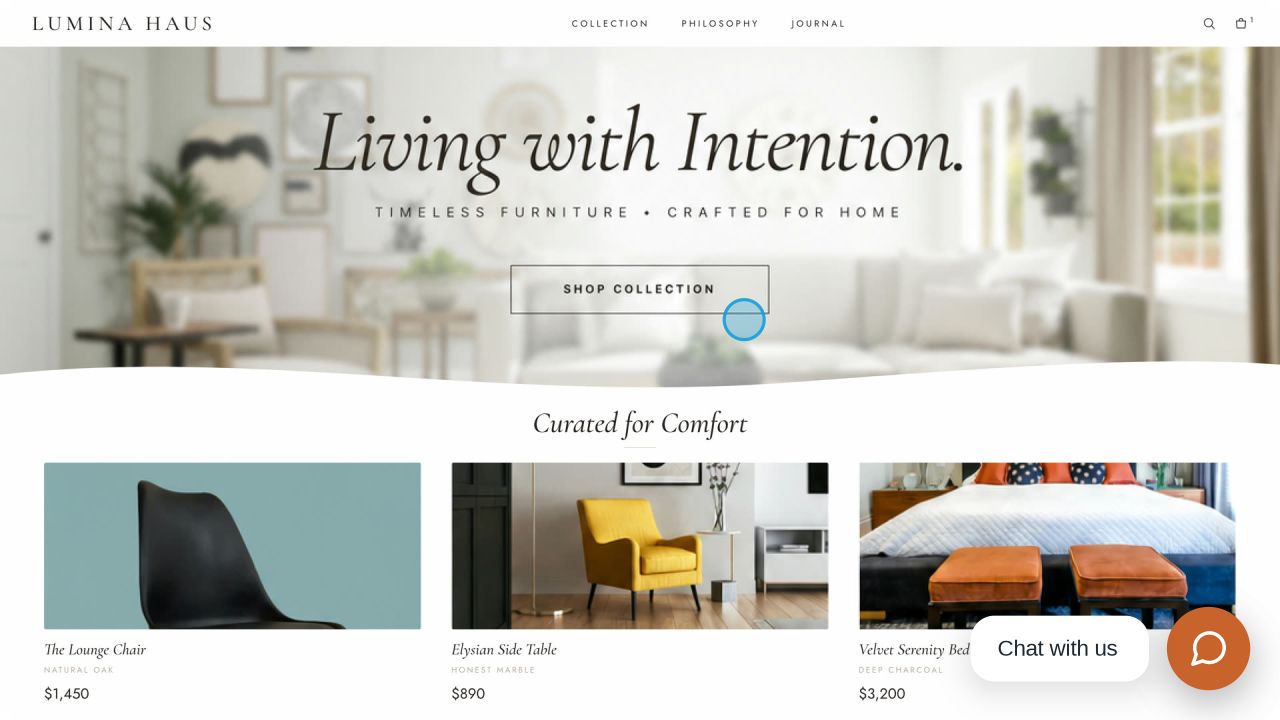
It is like having a member of your team on every page, at any hour.
Use Your Existing Content
A chatbot is only useful if its answers are right. The Oncord AI Chatbot answers from the content you already maintain in Oncord, including your pages, posts, products and events. There is no second copy of your business to keep up to date.
Each answer can finish with links to the pages it came from, so a visitor can read further.
For an online store, the chatbot can also tell a shopper what is in their cart and estimate delivery to their address.
Add Exact Answers to Key Questions
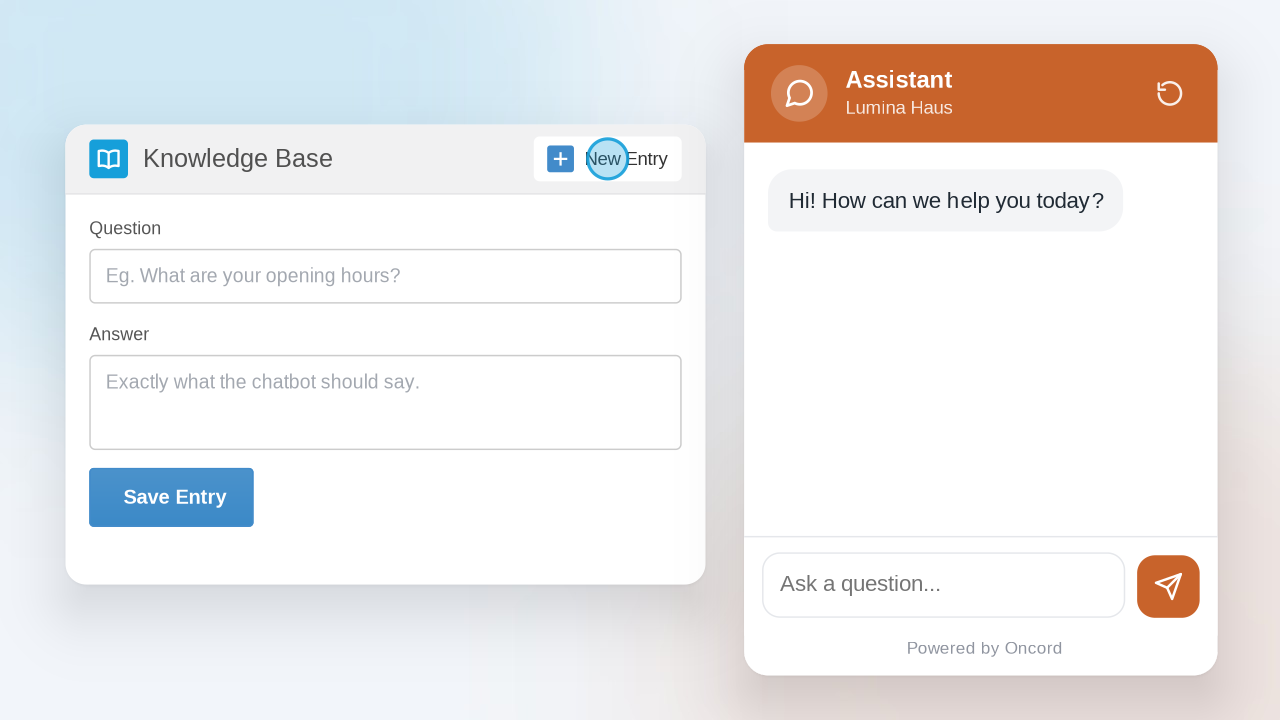
Some answers must be exact. Prices, policies and opening hours are common examples.
For these, you can write the answer yourself in the knowledge base. When a visitor asks that question, or something similar, the chatbot gives your wording. Oncord can also suggest entries from your website for you to review.
Pass Enquiries to Your Team
Some questions need a person. When the chatbot cannot help, it can take the visitor's name, email address and message, and email the enquiry to you. The visitor still gets a reply, and you receive an enquiry you might otherwise have missed.
Review Conversations and Improve Answers
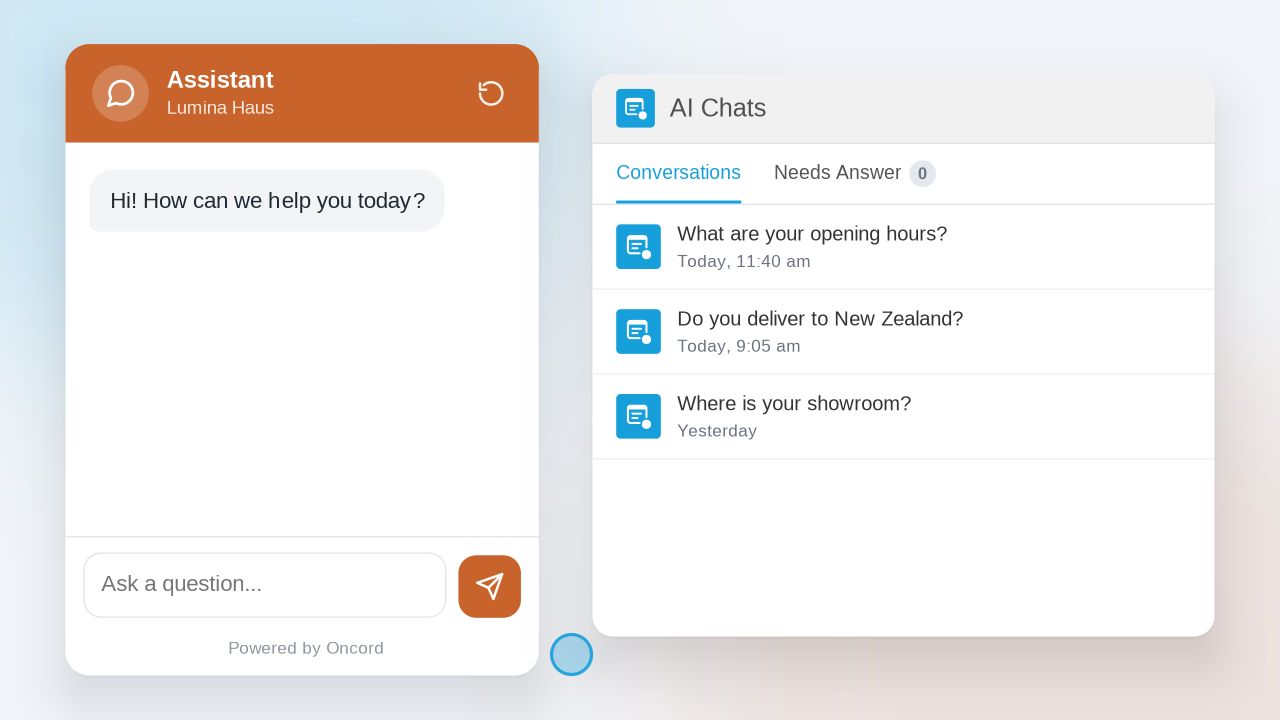
Every conversation is saved in your Oncord Dashboard. Conversations the chatbot could not answer are marked, so you can see what your visitors are asking and where your website falls short.
From there, you can turn an unanswered question into a knowledge base entry in a few clicks. The chatbot improves each time you do.
Customise Tone and Branding
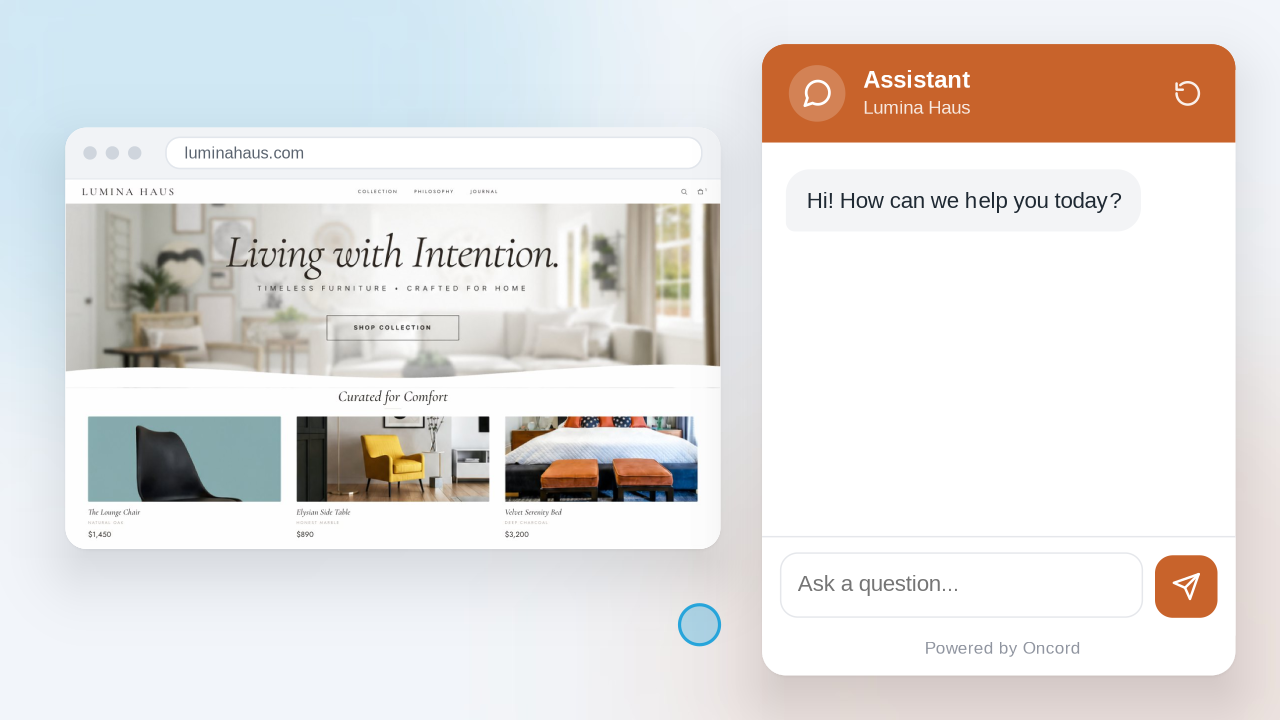
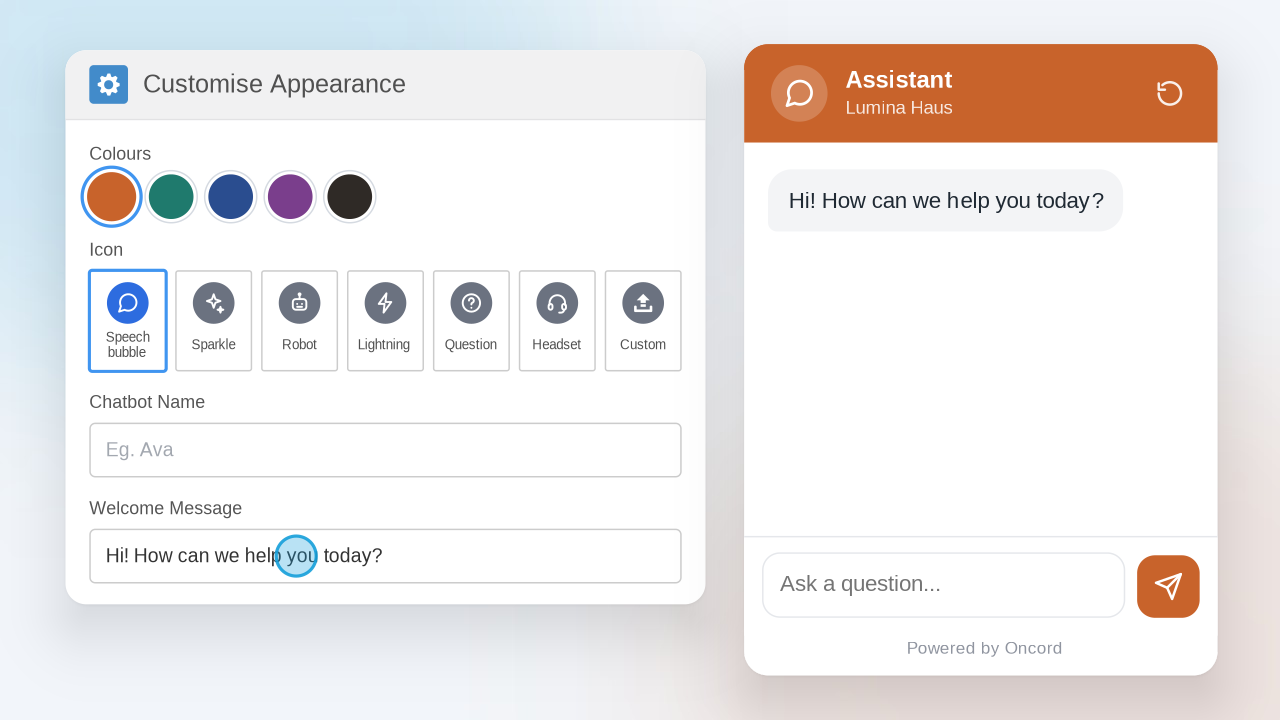
You can give the chatbot a name, choose its tone, and set rules for it to follow, such as topics to avoid or how to respond to questions about pricing.
You can also choose its colours, its icon and its welcome message, and whether it opens in a corner of the screen, in the centre, or as a side panel. A preview shows each change before any visitor sees it.
Stay in Control
You decide which pages show the chatbot. It can appear across your whole website, or only in the sections you choose, and you can turn it off at any time.
The AI Chatbot is priced per month, for every 100 conversations. The price depends on your billing currency:
- $32 AUD
- $20 USD
- £16 GBP
You can set a monthly limit, so the cost never passes the amount you choose. Your own test conversations are not counted.
How to Start
Turn on AI Chatbot under Settings > Features in your Oncord Dashboard, then open Website > AI Chats. A short checklist guides you from describing your business to going live.
For the full steps, read our help article on Adding an AI Chatbot to Your Website.
New to Oncord?
Start a free trial and add an AI chatbot to your website.


Leave a Comment